What is an AI decision map?
An AI decision map is a one-page table for a single workflow. Each row is a step, and it says what AI drafts, who decides, who reviews and when, and what stays with people. It comes with a short list of things AI never does and four numbers that show whether review is real. It is human in the loop written down for one workflow at a time, and the team redraws it every quarter as the tools improve.

Questions as you read? Ask, or take the assessment with you.
Where should we send it?
Sent ✓ Download it now →
The person who signs off on AI work
In October 2026, Anthropic ran an experiment in which analysts worked through a task next to an AI agent that had been quietly set to lean one way on each choice. They went along with the agent on close to nine choices in ten. Most of them repeated its arguments as their own, and the ones who went along felt just as sure as the ones who didn’t.
Every one of them was the human in the loop. They read it, they approved it.
We catch ourselves doing it too. The answer comes back, it sounds right, it sounds finished, and we say yes. Faster than we would ever say yes to a person.
Now put that inside a firm. A proposal goes out polished and on time, and nobody in the office can tell you who read it first, or whether reading it changed a single number.
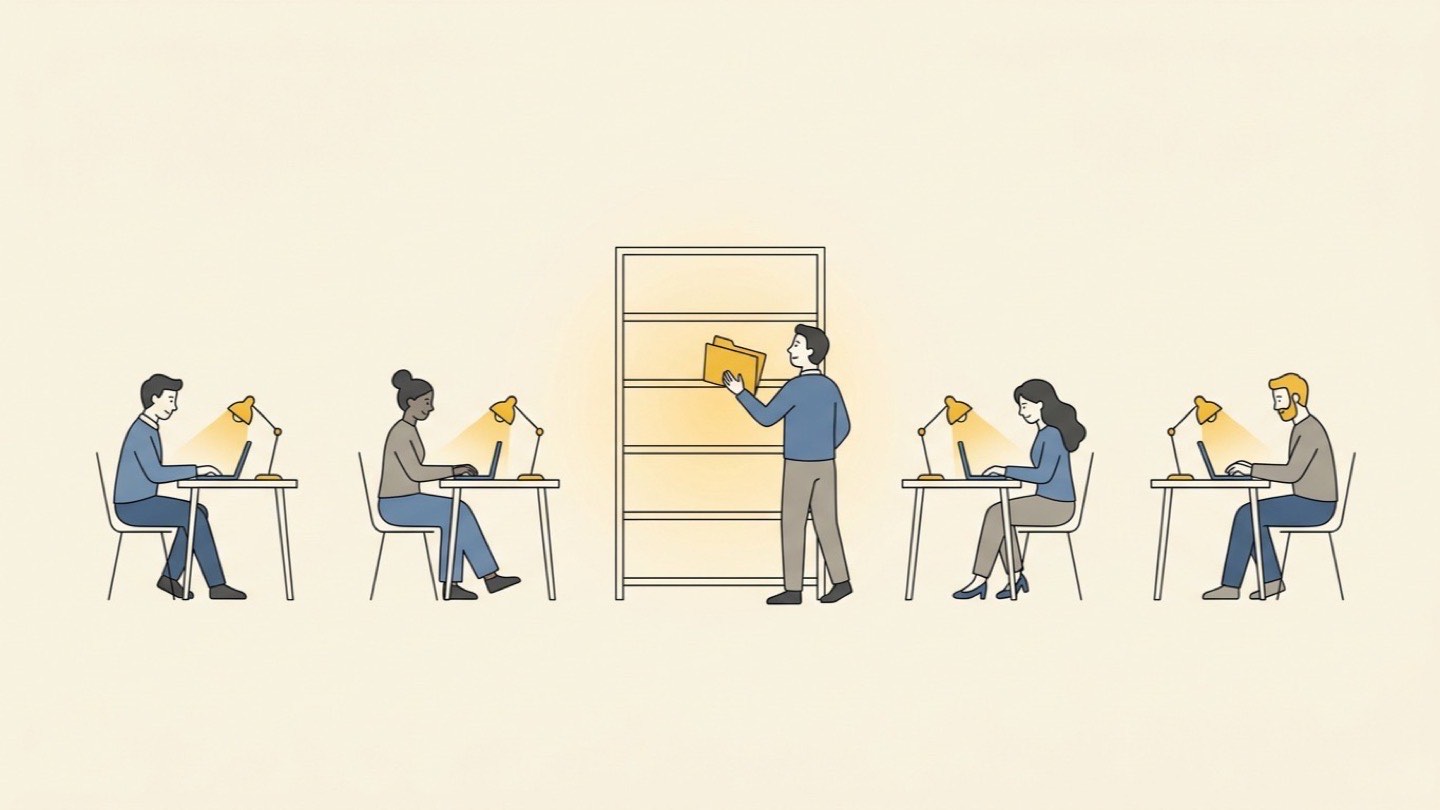
In most firms nobody ever wrote down who decides at each step. Whoever is in the office that week reads the draft, or nobody does. Everyone else runs on the rules they made up the day they got an AI account. When Pax8 surveyed US small businesses that build their own AI tools, more of them relied on review that was consistent but written down nowhere than on review anyone had documented. Moving the team onto shared workflows is the first step of AI enablement. Somebody still has to say who decides inside them.
What is an AI decision map?
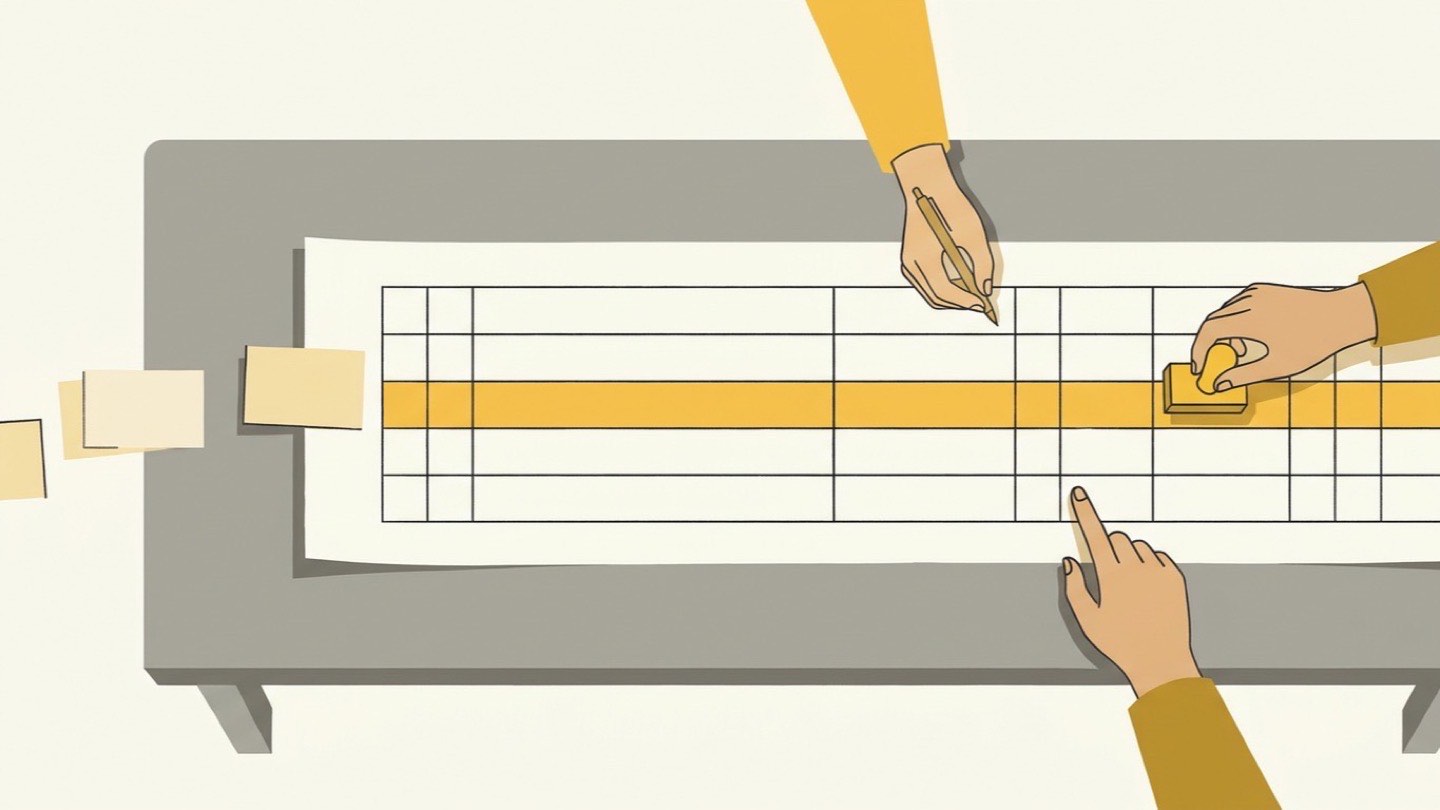
An AI decision map is one page per workflow that says, step by step, what the AI drafts and what a person decides. Each row is one step. The full map has eight columns, from what the AI drafts to the number you track, and the example below shows the first five.
You’ve heard the phrase human in the loop: a person checks what the machine made before it counts. Everyone agrees with it. Almost nobody writes down which person, at which moment, looking for what. A map is where you write that down, in the words your team already uses.
| Step | What AI drafts | Who decides | Review point and reviewer | What stays human |
|---|---|---|---|---|
| Request intake | A summary of the client’s request, open questions, similar past work | The team lead decides whether to take it on | The team lead reads the summary before deciding | Reading the client and the relationship |
| Proposal and price | A first draft of scope and price from past projects and the price list | The owner signs the price | The project lead checks every assumption, then the owner signs | The price, and what to leave out |
| Client revisions | Revised versions from the client’s comments, a change log and a reply draft | The team lead decides what to give and what to hold | The team lead reads the change log and the reply before anything is sent | The negotiation, the phone call |
The Human Domain.
The assessment, five scored dimensions, and the interval controls that keep judgment yours.
On its way. Check your inbox, or download it now →
Give it to someone who started on Monday. If they still have to ask what they’re allowed to send, it isn’t finished.
The AI Briefing
Tuesdays. 500+ leaders. No hype, just what works.
How is a decision map different from an AI policy?
Your AI policy covers the whole firm: which tools, what goes into them, what never does. Keep it to one page, like our AI acceptable use policy template. The map lives a level down, inside one workflow, where the policy has nothing to say. You need both: about a third of the small businesses in Pax8’s survey found staff using unapproved AI tools within six months.
A policy will tell you client material stays in approved accounts. Whether the project lead checks every assumption in a proposal before the price reaches the owner is a question for one workflow, in one firm, with those people.
“Client-facing work needs senior sign-off” is a fine line in an AI governance framework. On the map it turns into a row with a role on it: the team lead reads every client report, start to finish, before it goes.
Is a decision map a RACI chart with AI added?
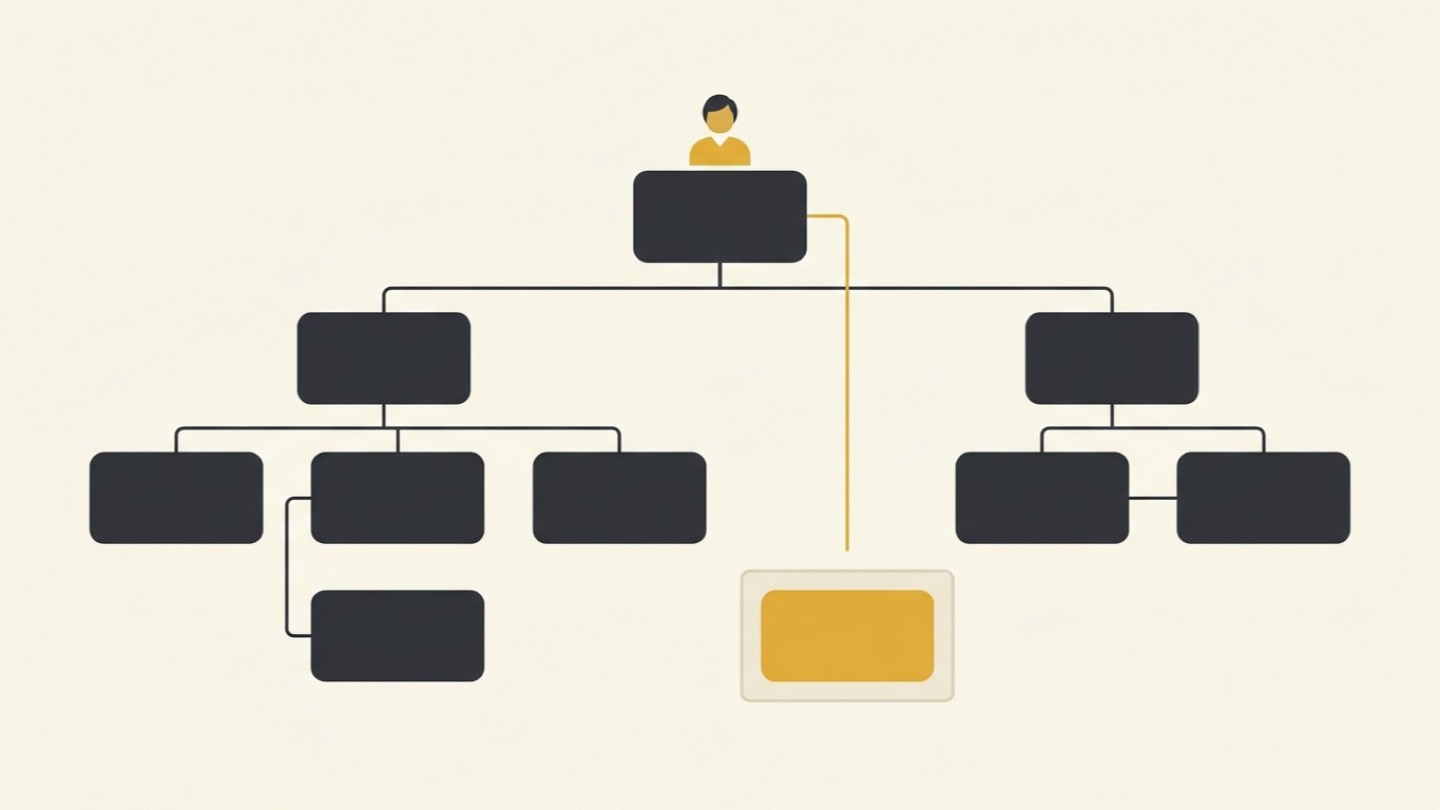
Close. A RACI chart is the grid many firms use to say, for each task, who does it (responsible), who signs it off (accountable), who gets asked (consulted) and who gets told (informed). Keep its one accountable role. RACI has no column for the AI: what it drafts, what a junior may do with the draft, the number that tells you review is real, and the date you redraw it. Deloitte’s human capital research says charts like RACI “presume static authority.” With AI in the workflow, who does what changes every quarter. A Liberty Mutual leader quoted in the same research asked: “Who gets to disagree with it, and how fast?”
Who should decide, and who should review, when AI drafts the work?
One role decides each step, and one named reviewer reads the draft at a set moment before the work moves on. The finance lead checks every rate in a proposal against the price list before it goes out. The moment matters as much as the person. A review after the email has gone out is a postmortem.
Write roles, not names. Names go stale the first time someone gets promoted.
One step, one decider. When two people both decide, each assumes the other looked, and nobody did. And name a stand-in. When the team lead is traveling all week, the map should say who decides in their place, or the draft either waits or goes out unread.
The author is never the only reader before a gate, either. Authors read what they meant to write.
The AI account handed the same person the power to draft and the power to send. Write those down as two rights, the way we did for always-on AI agents. Nate Roth, who runs an AI-native agency, took the AI writing policy of the sales software company Clay for his own team and summed it up in one line: “you stand behind every sentence you ship.” Clay’s own policy adds that “the AI wrote it” is no answer when a reviewer asks about a line. The map says who stands behind which step.
Permission to draft is not permission to send.
Does every AI draft need a human review?
No. Reading everything is how review dies.
Oversight costs attention, and it costs the attention of your most expensive people. People who oversee a lot of AI output report noticeably more mental effort and more information overload, according to BCG researchers writing in Harvard Business Review. Ask your most senior person to read every AI draft in full and you’ve hired the most expensive proofreader in the building. A tired proofreader approves things. Skipping review has a price too: in research by BetterUp Labs and Stanford, people who received polished but hollow AI work from a colleague spent just under two hours cleaning up each one.
So budget review. Read in full wherever a draft leaves the firm, touches money or speaks for the firm: the proposal, the client reply, anything signed with a name. Where a review hasn’t caught anything in a quarter, sample it. Finance spot-checks the week’s invoices instead of reading every one.
And where a rule can check itself, let it. The proposal total ties to the pricing sheet or it doesn’t go out. A client report isn’t accepted until every number traces to its source. Nobody senior should spend a minute on that.
How do you keep review from turning into a rubber stamp?
Make the reviewer guess first, then count how often they change something.
The researchers behind that October experiment suggest deciding ahead of time which calls need a person’s own view. For those calls, the reviewer writes their own answer in a line or two before opening the draft. It’s the habit from our piece on how AI erodes executive judgment: answer first, then look. A project lead who has already guessed the hours reads the AI’s estimate with their own number in their head. That’s most of it.
In IBM’s survey, 71% of HR leaders named supervising, validating and overriding AI as the most essential skill. Only 29% of employees ranked judgment as important.
Then keep a short error log: a wrong rate, a missed deliverable, a tone that would embarrass you with this client. After a month you’ll see where the AI is weak and where your own rules are thin. Deloitte’s research recommends the same at larger scale: clear override rights, a path for escalating, and a log of where people disagreed with the AI.
What should AI never do in your firm?
Anything you couldn’t undo or wouldn’t sign. Write it as a short list, ten lines at most, and let only the owner change it. A typical list starts like this:
- Sends anything outside the firm without a named person’s sign-off.
- Sets or changes prices, fees or rates.
- Commits the firm to a date, a booking or a vendor.
- Posts to the books or moves money.
- Presents its own draft as a named person’s thinking.
- Decides whether to take on new work.
BCG calls these “AI-off zones”: work kept away from AI because originality, ethical judgment or synthesis matter most there.
AI proposes, a person posts.
The “what stays human” column holds the work clients actually pay you for: the story behind a variance, the call where you admit a problem.
The AI can learn every price list, every past proposal, every price you have quoted. It can’t make the next call. That stays with a person, and it’s why we built the firm on Humans First and wrote AI vs human judgment.
What rules should junior staff follow when they use AI?
Juniors draft and check almost anything. They never send, never sign, and they still do part of the work by hand.
The junior assembles the proposal and sends questions around the office, but doesn’t answer the client. If something in the price or the scope looks wrong, they flag it. They don’t fix it.
Part of the work stays by hand because someone has to sign your proposals in five years. In a controlled study Anthropic ran with mostly junior engineers learning a new tool, the ones who learned with AI help scored about a quarter lower on a mastery test. The ones who used AI to ask about the concepts did better than the ones who handed it the work. In a BCG survey of executives, about half said AI is already slowing how fast their junior people develop.
Your senior people learned to price work by fixing bad estimates and checking numbers nobody else wanted to check. Hand all of that to the AI on day one and your juniors never learn to read a price. One estimate a month, built from scratch and held up against the AI’s, and they learn what the numbers mean.
The Human Domain.
The assessment, five scored dimensions, and the interval controls that keep judgment yours.
On its way. Check your inbox, or download it now →
How do you know whether the decision map is working?
Count four things for 60 days, with a baseline on the next two to four jobs before anything changes: revision rounds, errors caught at review, senior review minutes and overrides.
Senior review minutes means the time your most senior people spend reading drafts. The override rate is the share of drafts where the reviewer changed a number, a decision or a claim.
The one to watch is overrides. Near zero means one of two things: the AI really has got good at that step, or nobody’s reading anymore. Your error log tells you which. You don’t need software to count this. A tally on the review checklist, one mark each time someone changes a number, a decision or a claim, is enough for 60 days.
An override rate of zero is a warning.
IBM surveyed 1,500 HR leaders this autumn. The ones whose firms sort work into human-led, AI-assisted and AI-executed reported about a fifth better quality and lower risk. Drawing the map does that sorting one step at a time.
How often should you move work between AI and people?
Every quarter, one row at a time, and right away for any row where an error reached a client.
The tools keep getting better. Ethan Mollick, the Wharton professor who writes about AI at work, said this year he doesn’t think judgment “is going to be a distinctly human role.” He later pointed to a benchmark from the hiring platform Mercor: on well-defined closing tasks, the best AI models now beat licensed junior accountants. About 18 months earlier they trailed them. A map you drew in the spring may have your most expensive people doing work the AI now does better.
Before a step moves over, let the AI run next to a person on one real job. If it matches them, move it. Drafting and checking move to the AI as they prove out. Deciding stays where it is.
Give the redraw a fixed slot each quarter with the team lead, the project lead, finance and one junior, and put the override log and the error log on the table. Row by row they ask where they overrode the AI, which review caught nothing, and what juniors still need to do by hand.
A bad estimate might teach you to trace every assumption to a source: no source, no number. Write that rule into the map with the date and the reason.
Does a decision map look different in each department?
Not much. The columns stay the same and the rows follow the work:
- Sales: the AI drafts the proposal and the follow-up emails from past deals. The team lead decides what gets sent, and the owner signs any price outside the price list. The AI-never list includes promising a delivery date nobody has checked.
- Finance: the AI codes transactions, matches invoices and drafts the month-end summary. The finance lead approves every recode before it is posted, and the owner reviews the numbers before anyone outside sees them.
- Hiring: the AI drafts job descriptions and summarizes applications. The hiring manager decides who gets an interview and who gets turned down. The AI-never list includes rejecting a candidate, or ranking people on anything the law protects.
- Project delivery: the AI drafts status updates and flags dates that are slipping in the project plan. The project lead decides what the client hears about a delay, and nothing that changes the price or the scope goes out without the owner.
- Customer service: the AI drafts replies from your past answers. A person sends anything that involves a refund, a complaint or a promise. Routine answers can be sampled once the override rate shows they hold.
The AI-never list differs most between departments. Write it with the person who would carry the blame if the AI got it wrong, and put a date next to every change they make.
What do clients expect from your review process?
A named person who read the work before it left. Clients hold the firm responsible for what it delivers, whatever tools made it.
Lawyers are moving the same way. Michael Lasky and Andrew Richman of the law firm Davis+Gilbert told agencies this fall not to guarantee an AI vendor’s technology. Their advice is to tie the agency’s responsibility to the work it delivers and to “agreed-upon review procedures,” with qualified people reviewing the final deliverables. A decision map is where those procedures already live. You can describe them to a client in a paragraph because you actually run them.
Keep the map itself inside the firm. A client who sees every row may read each one as a promise. Share the principles and the gates that protect their material, and keep the working detail at home. This is general information, not legal advice.
How do you draw your first decision map?
Pick the one workflow where rework eats the most senior time, and draw it with the people who run it. It’s worth the effort: in Microsoft’s 2026 Work Trend Index, how a company organizes its AI work was linked to about twice as much of its impact as anything individuals did on their own.
One page per workflow. Nobody reads page two.
Expect the first version to be wrong in a few places. That’s what the 60 days are for. Draw a second map only after the first has run a full quarter, when you know which columns your firm actually uses.
When does it help to draw the map with someone outside the firm?
When the people drawing the map are the people on it, which in a firm of 25 is everyone. The owner or the team lead is usually the bottleneck and the last to see it. Juniors won’t tell the person who signs their reviews which skills they’ve stopped practicing, and whoever set up the AI tools is grading their own design.
Drawing a decision map is part of every AI workflow we build with a client. A system that drafts faster with nobody clearly deciding just makes more to clean up.
When the engagement ends, your own team should be able to redraw the map, change a gate and move a row without calling anyone. If only the consultant can, the map still belongs to the consultant.
Start with the workflow you least want to review
Every workflow in your firm already splits the work between what the AI drafts and what a person decides. Someone set that split the day they opened their AI account, and someone else set it differently the next week. Nobody wrote either version down.
Pick the workflow you least want to review. Put the people who run it in a room, draw its map on one page, and count for 60 days. If the override rate comes back at zero, find out why before a client does.
Draft the First Rows of Your Decision Map
Paste this into your AI assistant. It interviews you about one workflow and returns the first two rows of its decision map and a first AI-never list, ready to take to the people who run the work.
Context: I run a firm of [number] people in [industry]. I want to write an AI decision map for one workflow: [name the workflow, from its first input to what the client receives]. Interview me one question at a time. Do not draft anything until you have my answers.
Step 1. The steps: Ask me to list the steps this work goes through today, in order, as it really happens. Then ask which two steps cost my senior people the most review time.
Step 2. The two rows: For those two steps, ask me in turn: what the AI drafts there now or could draft, which single role decides, who reviews and at what moment, what stays human because the client pays for it, what juniors may do and must never do, which rule a simple check could enforce, and which number would show whether review works.
Step 3. The limits: Ask me what the AI must never do anywhere in this workflow: send, sign, set prices, post to the books, speak for a named person. Push back if my list runs past ten lines.
Output: A table with the two rows in eight columns (step, what AI drafts, who decides, review point and reviewer, what stays human, junior rules, guardrail or gate, metric), the AI-never list, and three questions I should ask the people who run this workflow before I treat the rows as final.
This gets you a first draft, written from one person’s view. The map holds once the people who do the work have corrected it, a baseline is in place and it has survived a quarter.
Sources
- Pax8 research finds small businesses are building AI faster than they can govern it (Pax8 SMB AI Pulse, Q3 2026, October 12, 2026; vendor survey): documented vs undocumented review among US small businesses building their own AI tools
- Agents, human agency and the opportunity for every organization (Microsoft Work Trend Index, May 5, 2026; vendor survey of 20,000 AI-using knowledge workers; associations, not causal effects): 53% vs 33% deciding what AI should do, organizational vs individual factors
- The hidden costs of workslop (BetterUp Labs with Stanford, reported in Harvard Business Review, September 22, 2025): 40% received workslop in the past month
- When using AI leads to brain fry (Harvard Business Review, March 5, 2026, BCG authors, 1,488 US workers, self-reported; figures also reported by Fortune): 14% more mental effort and 19% more information overload under heavy AI oversight
- AI agents and expert judgment calls (Anthropic, October 27, 2026; randomized trial, 50 analysts, one task, deliberately amplified leans): 86% match with the agent’s assigned lean
- How AI assistance affects coding skills (Anthropic, January 29, 2026; randomized trial, 52 mostly junior engineers): mastery 50% with AI help vs 67% without
- When everyone uses AI, companies risk losing critical skills (BCG, June 17, 2026; 70 executives): de-skilling, slower junior development, “AI-off zones”
- New IBM CHRO study: AI puts critical thinking at the center of workforce priorities (IBM Institute for Business Value, September 21, 2026; 1,500 CHROs; self-reported results): 18% risk reduction and 20% quality improvement with workflow classification
- Decision-making with AI (Deloitte Human Capital Trends, March 3, 2026): person-based models “presume static authority”
- Ethan Mollick on judgment as a human role (X, April 29, 2026), Mollick on the Mercor result (X, October 2, 2026) and Mercor: AI now outperforms junior accountants (Mercor, October 1, 2026; well-defined tasks, no client communication)
- Clay’s AI writing policy (Sophie Alpert, Clay, August 19, 2026) and Nate Roth on X (August 11, 2026): “you stand behind every sentence you ship”
- AI is reshaping agency work: are your contracts keeping up? (Michael Lasky and Andrew Richman, Davis+Gilbert, O’Dwyer’s, September 18, 2026): agreed-upon review procedures
Frequently Asked Questions
What does human in the loop mean for a small business?
It means a named person checks or approves what an AI system produces before it counts: before an email goes out, a number is posted or a proposal is signed.
Will a decision map slow my team down?
It usually removes more review than it adds. Without a map, review tends to fall to the owner, who reads everything, or to nobody. Senior review minutes are one of its four numbers, so you can see whether the time went down.
How many decision maps does a firm need?
One per workflow that AI touches and a client sees. A 25-person firm might end up with four or five over a year: proposals, delivery, client reporting, finance, perhaps sales follow-up.
Who should own a decision map?
The person accountable for the workflow’s output, usually the most senior person who signs its final step: the team lead for a proposal, the finance lead for invoicing. The owner keeps the map current, and runs the quarterly redraw.
Do we need a decision map if we only use AI for internal work?
Usually yes, because internal drafts rarely stay internal. The estimate becomes the proposal, the research summary becomes the client deck, the notes become the status email. Pure brainstorming that never feeds a deliverable can skip the map. Anything that ends up in front of a client, or in the books, needs a row.
How is a decision map different from a process map?
A process map shows the order of the steps and who hands what to whom. A decision map keeps those steps and adds what changes once AI is in the work: what the AI may do at each step, who decides, and who reviews and when.
Can a small firm do this without new software?
Yes. A decision map is a one-page document or spreadsheet, and the four numbers fit in a tally on the review checklist. Software helps later, for example admin reports that show who approved what, but the map has to exist first, written by the people who run the work.
Can AI check AI's work instead of a person?
For mechanical checks, yes, and it should: totals that must tie, page counts, required fields, every number traced to a source. Those make good gates. The deciding step stays with a person, because a second AI applies the same kind of judgment as the first and cannot carry the firm’s responsibility to the client.